Road Rash 30th Anniversary Edition Beginner Guide
Start by learning two old-school rules: progress is not autosaved, and the game expects you to read the manuals in its Extras folder. Win races, move through five levels of five courses, and save from the Restroom menu before leaving.
Your first session in six practical steps
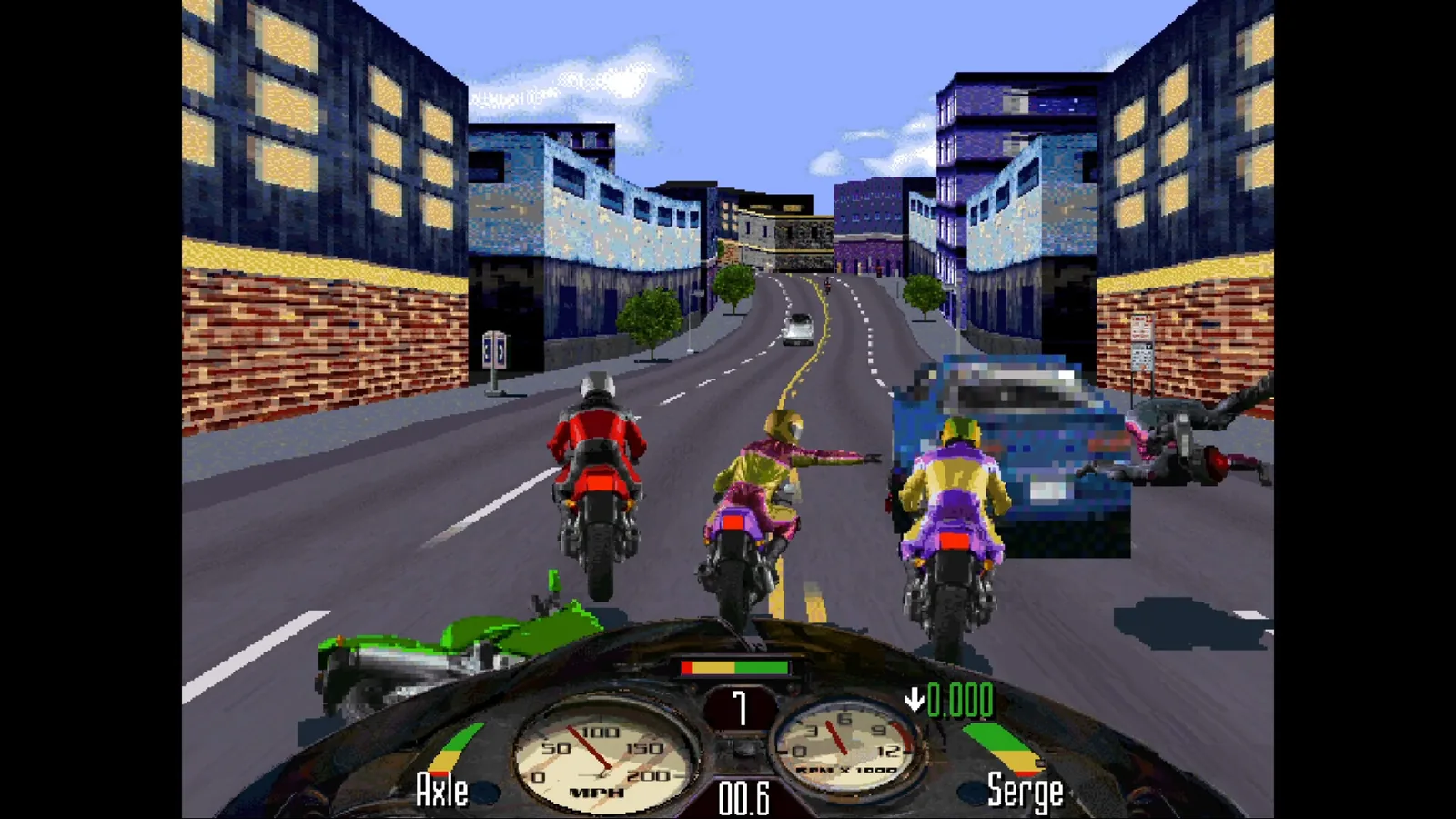
The 30th Anniversary Edition keeps the structure of the 1996 PC release. It modernizes compatibility and controls, but it does not replace the original game with a new tutorial-driven campaign.
- Open the Extras folder in the install directory and keep the scanned manual and controller mapping PDF nearby.
- Choose a rider and begin with the available opening races. Your immediate job is to finish well enough to earn progress and cash.
- Treat traffic, police, roadside obstacles, and rival attacks as separate hazards. A clean line is often worth more than an unnecessary fight.
- Use attacks when a rival is alongside you, then return attention to the road.
- Visit the Restroom menu after meaningful progress and save manually.
- Advance through five levels; the official description lists five courses per level, for 25 races total.
Save manually and use Steam Cloud as a backup
There is no autosave. Open the Restroom menu and create a manual save regularly, especially before ending a session. Steam Cloud can carry that save between supported devices, but it does not create progress that you never saved in-game.
Switch race music without leaving the action
Rock music plays during races by default in this edition. Press R on the keyboard, or the View/Create button on a supported controller, to move to the next song. To return to the original PC MIDI race music, open Restroom → Graphics and Sound → Sound Mix and turn “Rock music in race” off.
Know what multiplayer still works
The original modem and internet service has been shut down. EA kept the legacy LAN-based Mano a Mano mode, but the official FAQ warns that this 30-year-old networking code may not cooperate with every modern hardware or software setup.
Quick answers
Does Road Rash 30th Anniversary Edition autosave?+
No. Save manually from the Restroom menu. Steam Cloud can sync an existing save between supported devices.
How many races are in the game?+
The official Steam description lists 25 races: five levels with five courses in each level.
Does online multiplayer work?+
The original internet and modem service does not. Legacy LAN Mano a Mano remains, with compatibility caveats.
Road Rash 30th Anniversary Edition: S1, S2, S3 · 2026-11-07.
Open the source ledger →